Office 2024 Vs. Microsoft 365 – What Will Each Software Cost Over Five Years?
If you only compare the base prices, the calculation seems easy: Office Home & Business 2024 is a one-time purchase for $249.99 while the annual commitment to Microsoft 365 Business Standard costs $14 per user, every month.
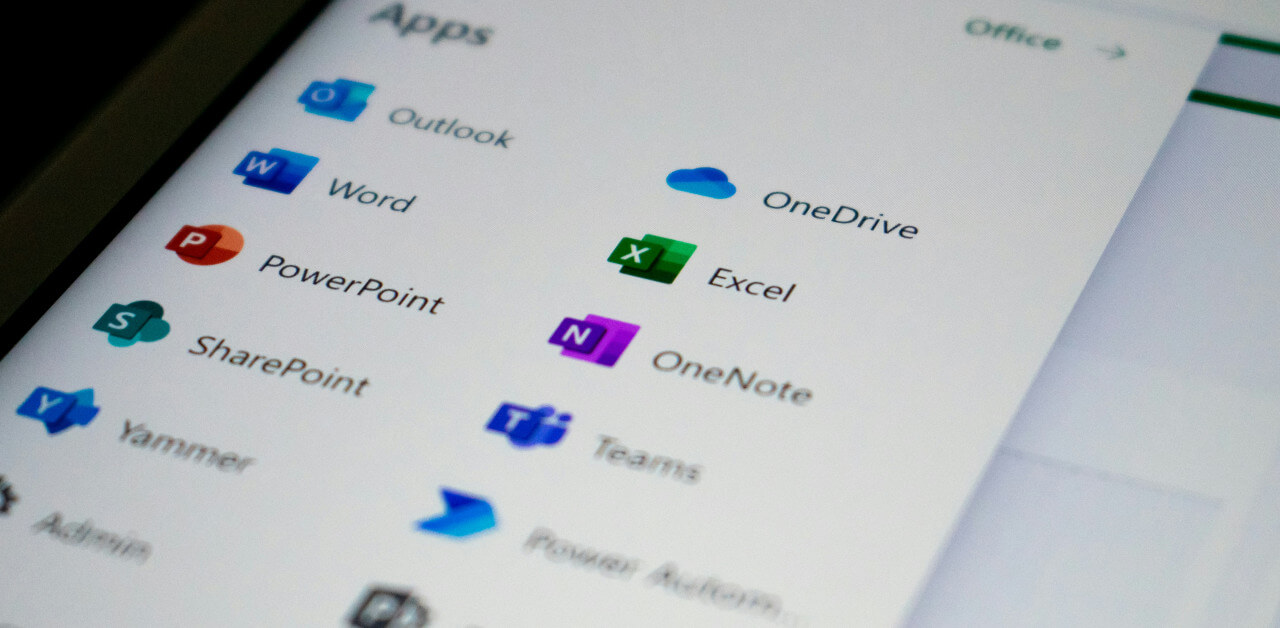
Extrapolated to 5 years, the single payment seems much more cost effective. However, small businesses should consider more than the initial cost. They should consider which individual Microsoft programs their staff uses, who handles company email, shared files, and device security and the question of limited Microsoft support for older versions of the software. For the 2024 specifically, it ends in October 2029 – before the end of our five-year example calculation.
Details like these can change which version works best for you. Here’s how you can compare the whole packages.
The Cost for Microsoft Office 2024 Across Five Years
Microsoft Office 2024 is a great option for small businesses. Currently, Microsoft lists Office Home & Business 2024 at $249.99 for one PC or Mac. The license includes the desktop versions of the entire software suite including Word, Excel, PowerPoint, Outlook and OneNote. Thanks to the one-time purchase, there will be no additional charges over the years.
The license works per user, meaning the more employees use the software, the more licenses you will need to buy. Say three of your employees need the system on separate computers. In this case your total comes up to $749.97 at Microsoft’s listed pricing.
While it offers the standard Microsoft applications, compared to more modern business software like the 365 model the older Microsoft version lacks some functionalities, like cloud storage and the related collaboration services. This version of Outlook also allows the management of e-mails but does not include a professional hosted business mailbox. If your company needs these options, you will need to acquire them separately, most likely tied to additional purchases.
Important to note is also that the one-time purchase is limited to the 2024 version of the software. You can use the programs indefinitely, but as soon as you need an upgraded system version it’ll need a new purchase. That's a cost to account for, even if you're happy with the applications today.
The Cost for Microsoft 365 Across Five Years
The newer versions of Microsoft stepped away from the one-time purchase model. Instead, there are several bundles you can access with different subscription plans. The current Microsoft Teams Business Plans range from $7 to $22 per user per month with an annual commitment.
| Microsoft 365 plan | Monthly cost per user | Five-year total per user |
|---|---|---|
| Business Basic | $7 | $420 |
| Business Standard | $14 | $840 |
| Business Premium | $22 | $1,320 |
Frugal businesses might want to go with the cheapest version, but the scope of services for the Basic model will most likely be inadequate for your needs, since the subscription does not include installed desktop apps and only offers online versions of the software suite.
Companies that opt for the Premium subscription will instead receive added security and management features. For our comparison with the Microsoft 2024 license, the Business Standard model is the closest match – as such we will keep looking at this version for the rest of the article.
Looking at the five-year costs, business will pay $840 rather than the $249.99 one-time purchase. In this comparison based on price alone, the 2024 license will save $590.01.
It’s important to note that Microsoft does not guarantee the same subscription rate for the coming years. For ease of comparison the figures we use will remain unchanged across renewals and exclude possible price changes through taxes and discounts.
Every Employee Changes the Cost Difference
The calculation changes when businesses use multiple workstations. For our example we will look at a small firm with three employees that will need to use the Microsoft programs on individual PCs or Macs. The one-time purchase for Microsoft 2024 will cost this business $749.97 over five years. Individual subscriptions for the Business Standard model of Microsoft 365 will amount to $2,520. The gap has now risen to $1,770.03.
| Five-year cost | Office 2024 | Microsoft 365 Business Standard |
|---|---|---|
| 1 employee | $249.99 | $840 |
| 3 employees | $749.97 | $2,520 |
| 5 employees | $1,249.95 | $4,200 |
On a base level, these numbers speak for the license purchase. What needs to be considered here, however, is that the purchase of 2024 is tied to a single workstation. Meaning if one employee wants to use the software on their PC in the office and on their laptop when working remote, they would need to buy two licenses. The subscription model allows them to use the application on five separate devices.
This might make businesses want to save money by making multiple employees use the same subscription. While it’s technically possible, it does violate Microsoft’s per-use licensing terms. Additionally, it comes with a variety of practical problems:
- Shared user account: Everyone works under the same Microsoft identity. This can cause problems with OneDrive, Outlook, and collaborative document editing.
- Security checks: Sign-ins from different devices and locations may trigger additional authentication checks.
- Lack of user separation: Managing individual access permissions and tracking which employee made specific changes becomes more difficult.
A license audit could reveal that multiple employees are using the same account. In this case the company would face additional licensing costs, including retroactive charges and potentially audit-related penalties.
For a realistic and license compliant calculation we therefore will continue to assume one subscription per employee and advise companies to follow Microsoft’s Terms of Use.
Additional Functionalities with Microsoft 365
Some of the higher cost when it comes to the total for the subscription model comes with benefits the single 2024 license lacks. Depending on the plan you choose, 365 includes:
- Business email: Hosted Exchange mailboxes with custom domain addresses, without needing a separate email provider.
- Cloud storage: 1 TB of OneDrive storage per user for accessing files across devices.
- Team collaboration: Microsoft Teams for meetings, messaging, and working together, plus shared document editing without emailing attachments back and forth.
- Desktop applications: Business Standard and Premium include installed Office apps that can be used across multiple devices.
- Security and device management: Business Premium adds Microsoft Intune and Microsoft Defender for Business to help protect company data and manage employee devices.
When you try to figure out if the subscription fees are justified, you need to look at any additional software or services you already use and pay for. Switching to a Microsoft 365 plan that includes these functionalities might cut some of these costs when you replace them with a single subscription.
Office 2024's Support Deadline: Hidden Costs
For a comprehensive cost benefit analysis, you will need to look ahead. A cheaper purchase today might cost your company tomorrow. Regarding the Microsoft 2024 license, one important factor to consider is the announced end of software support on October 9th, 2029. From that point on you will still be able to use the program and make more use out of the one-time purchase. However, Microsoft will no longer provide security updates and technical support.
Over time, the lack of support might force a business to upgrade to a newer Microsoft version. The future expense in this case is difficult to predict. Most likely you will either make another one-time payment for a different software or – more likely – you will then be required to switch to Microsoft’s 365 subscription model.
Depending on your actions within the five-year window, you should not consider the $249.99 as a guaranteed cost for the entire timespan. Let’s imagine you use the 2024 license beginning in 2027 and for the rest of the year following the cancellation in 2029. You can then switch to the subscription model for the remaining years. Choosing the Business Standard plan, your cost would then lie at $249.99 plus $336 for two years of subscriptions for a total of $585.99 – still cheaper than $840 for a full five years of Microsoft 365.
Can Buying Office from Another Retailer Save Money?
For the sake of completeness, we should also look at pricing aside from the official Microsoft rates. Businesses can also buy Microsoft licenses from third party vendors and possibly receive a discount. For example, Nerdused lists Office Home & Business 2024 for $224.99, saving $25 compared with Microsoft's US list price.
Before purchasing, check a few details:
- License type: Does it permit commercial use?
- Device coverage: How many computers can use the license?
- Compatibility: Does the edition support Windows, Mac, or both?
- Documentation: Will you receive proof of purchase and clear activation instructions?
- Seller policies: What happens if activation fails?
If your retailer of choice meets your requirements, a cheaper license can reduce your upfront expanses.
So: Office 2024 Or Microsoft 365 – Which Costs Less for Your Business?
The avid reader will have noticed that the calculation is rarely as easy as comparing the base pricing. However, even after including factors like the coming end of support and a potential switch to a subscription model then, at $249.99 the one-time purchase for Microsoft 2024 versus a total of $840 for five years of Microsoft 365 subscriptions is hard to beat.
Still, when comparing the options businesses should always look at their individual setups and needs. For example, a 365 subscription becomes more profitable when its additional features replace pre-existing expenses for cloud storage or e-mail hosting. You’ll also want to look at the number of devices instead of the number of employees that will need their individual license. Regular switching between a desktop and laptop makes the subscription model more convenient. Generally speaking, though, especially discounted one-time purchase licenses from trustworthy third party vendors are the most cost effective solution for most small businesses.
About the Author

Simon Peters is a freelance writer with special interest in business software, digital productivity, and IT solutions for small businesses. His tech articles focus on practical software comparisons, licensing models, and cost considerations, helping readers make informed decisions.