Figma Alternatives: The Best UI/UX Design Tools Worth Switching To
Figma has now become the new standard in the industry, yet the monopoly of one tool is seldom good in the long run for the user. Designers and product teams are today increasingly seeking solutions that provide a greater level of flexibility in prototyping or are just less expensive, yet provide the essential functionality.
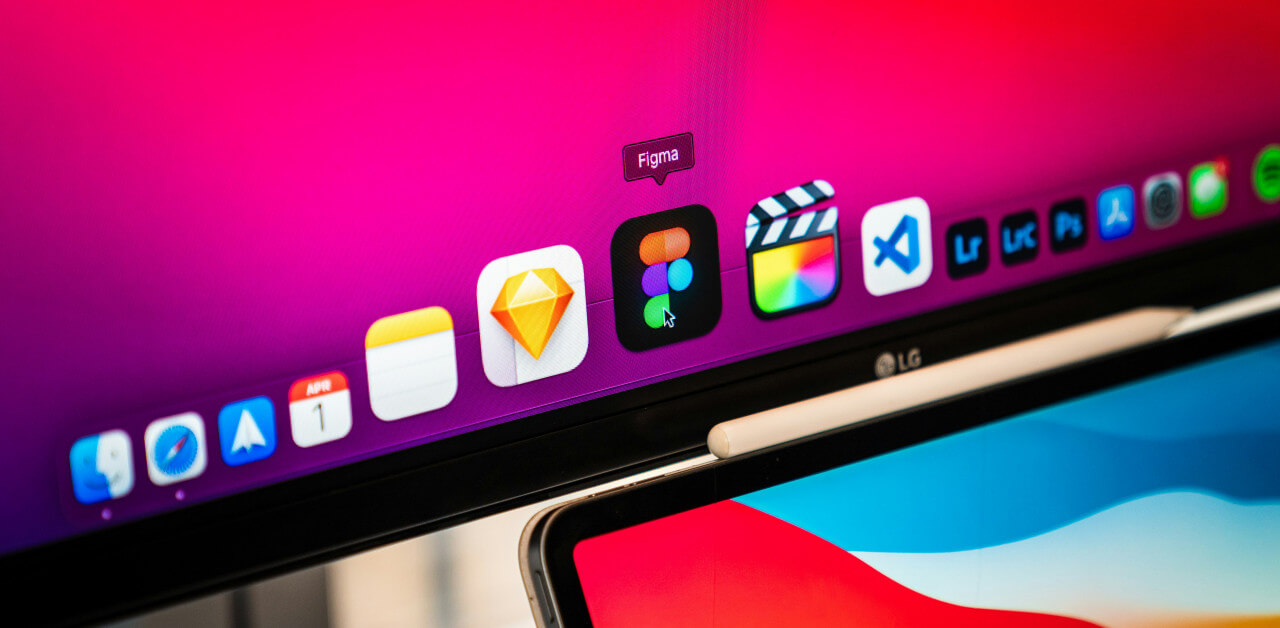
We have chosen to examine the market and identify some software that is capable of replacing the giant and complementing it rather than replicating its interface in the name of appearances. Anyway, the change of ecosystems is the breath of fresh air that a project needs at times to take a qualitative leap. Let’s see who is ready to challenge the leader and why it is worth paying attention to them right now.
Comparison of Key Characteristics
The choice of tool often depends not only on the designer’s personal preferences but also on the company’s budget as well as technical security requirements. We collected data on the main players in the market to clearly demonstrate the differences in approaches to monetization and functionality.
| Tool name | Pricing model | Offline capability | Primary platform | Code export focus |
|---|---|---|---|---|
| Figma | Freemium/Sub | Limited | Web/Desktop wrap | CSS/Swift/XML |
| Penpot | Free/Open source | Full (self-host) | Web | SVG/CSS native |
| Sketch | Sub/License | Full native app | MacOS only | Swift/Objective-C |
| Framer | Freemium/Sub | No | Web | React/HTML |
| Uxpin | Subscription | No | Web | React components |
| Lunacy | Free | Full native app | Win/Mac/Linux | Xaml/CSS |
Looking at the table, it becomes clear that a perfect all-rounder does not exist. However, let us now examine each tool in more detail.
1. Penpot: Freedom of Open Source and the Power of SVG
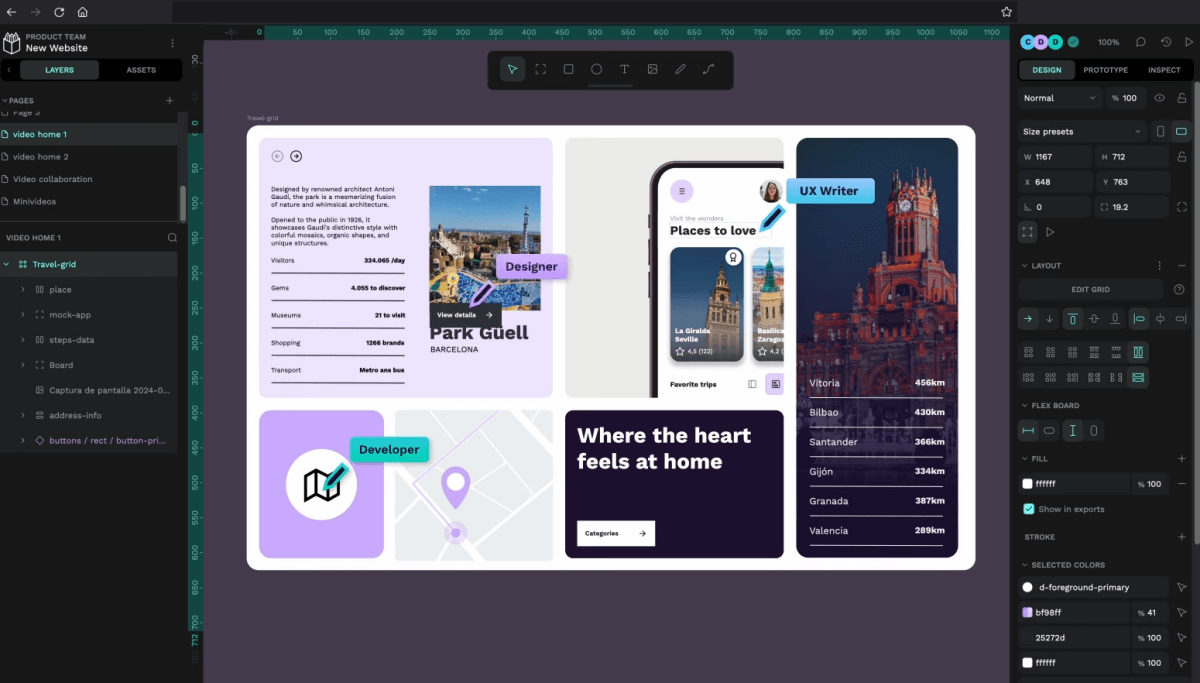
First on our list is Penpot, which has been more than spectacular in terms of making a leap forward in the last couple of years. The primary strength of this platform is its nature — it is the first open-source design and prototyping tool that was initially developed around web standards. In contrast to most other competitors, the native format at Penpot is SVG, which forms a vast improvement over the ancient problem of losing layout fidelity in the export process. This is what makes it a genuine treasure of teams in which the highest degree of accuracy in relaying visual style into code is an essential factor.
The interaction between designers and developers here reaches a new level. It is obvious that when both sides work within a unified system of coordinates based on CSS and SVG, the number of edits at the layout stage decreases dramatically. For studios like Binary Studio who are engaged in creating complex React software, such synchronization is critically important as it allows faster implementation of components and keeps the design system up to date without unnecessary hacks. Penpot is completely free (if you use the SaaS version) and allows you to deploy a server on your own infrastructure, which resolves data security concerns.
2. Sketch: Return of the Classic or a Privilege for the Few?
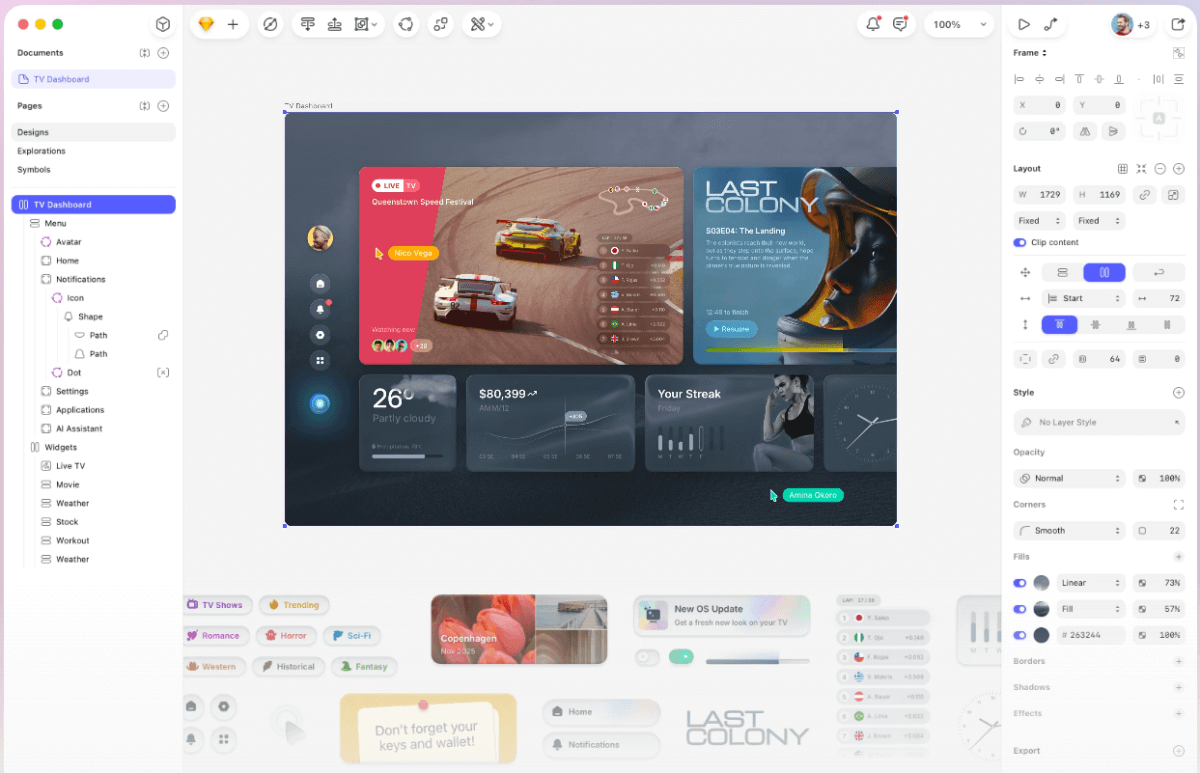
A lot of people have penned Sketch off in the wake of the weaponized proliferation of web-based instruments, yet in 2026, the old dot-work is pleasantly surprised. The developers had put a bet on the capability of a native macOS app, and they won. Whereas the use of browser-based solutions can run out of bandwidth with large design systems including thousands of artboards, Sketch scales and operates well with Apple hardware resources.
Nevertheless, the constraints on the ecosystems should be taken into consideration. The device is Mac-only and limits a portion of the Windows user audience, but web preview and developer handoff are compatible with any browser. Sketch suits best if people are concerned with privacy: it saves files to your hard drive, and you get complete access to your data. It is the option of the agencies that operate under stringent NDAs, where cloud-based storage can be forbidden by security departments.
3. Framer: When Design Instantly Becomes a Website

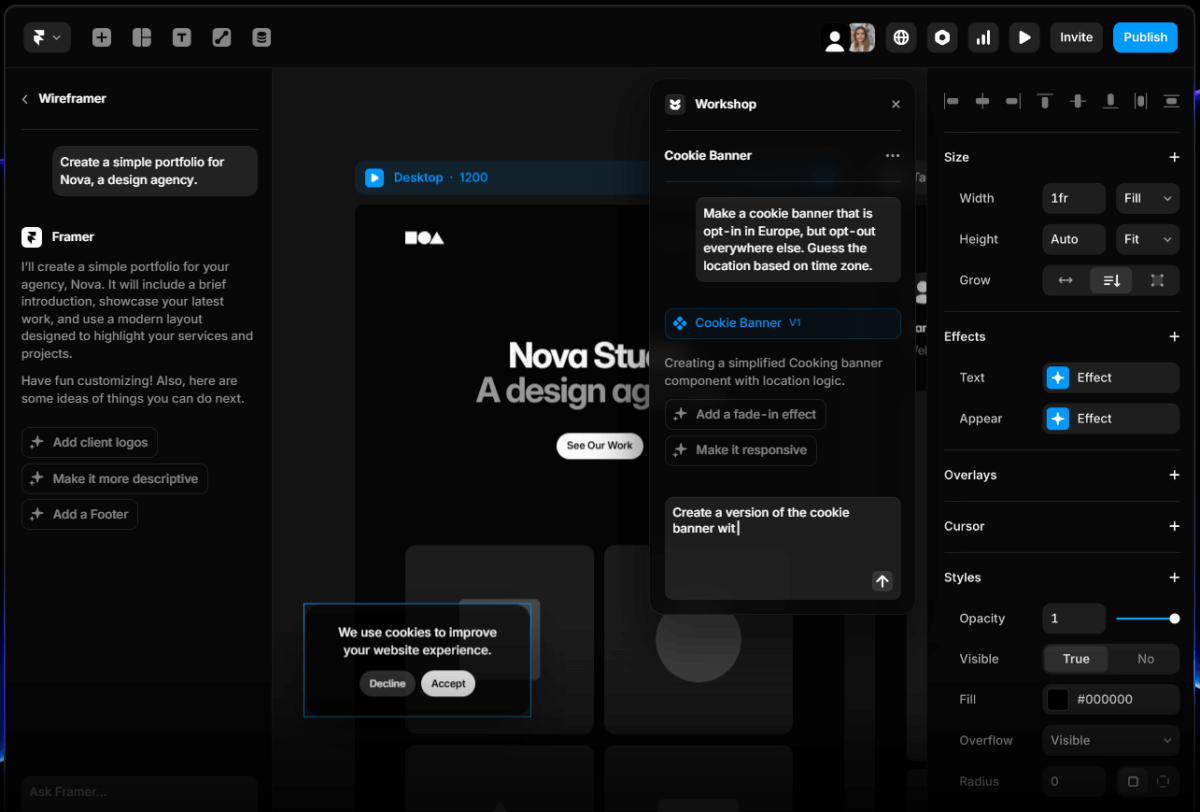
If your goal is not just to draw a picture but to create an interactive product as close to reality as possible, Framer remains unmatched. The line between design and development is almost completely erased here. Instead of static images, you work with real components that behave exactly as they will in production.
This tool allows you to create high-fidelity prototypes with complex logic, animations, and data input that cannot be implemented in standard “drawing tools.” At the same time, the entry barrier into Framer has become significantly lower thanks to the introduction of AI features that help generate page structures and select styles. For landing pages and promo sites, this solution can completely replace the “designer — front-end developer” chain, allowing you to publish a project to the web with a single button click.
4. UXPin: An Engineering Approach to Interfaces

UXPin continues to pursue its own path, offering the market the concept of merge technology. The idea is to design interfaces using ready-made code components from the developers’ repository (Git, Storybook). These are not imitations of buttons and input fields, but real working elements rendered directly in the editor.
This approach radically changes the approval process. Managers and stakeholders do not see a “cartoon” that still needs to be programmed, but actual working functionality. UXPin is perfectly suited for the enterprise segment, where the cost of mistakes in designing complex business logic is extremely high. The ability to use conditional logic, variables, and expressions directly in design makes this tool one of the most powerful for creating complex SaaS solutions. In fact, the ability to test forms and dynamic states without writing code attracts product designers tired of the limitations of static layouts.
5. Lunacy: The Dark Horse with Artificial Intelligence
We cannot overlook Lunacy from Icons8. This application is unique in that it is the only full-fledged graphic editor that natively runs on Windows, macOS, and Linux. It can open .sketch files, making it an excellent bridge for teams with a mixed set of devices.
But the main feature of Lunacy is its built-in AI-powered tools. Background removal, image upscaling, avatar, and text generation — all of this is available directly within the interface. The program is literally packed with graphics: icons, illustrations, and photos are already integrated into the left panel. This significantly speeds up layout assembly since the designer does not need to constantly switch to the browser to search for assets.

Selection Criteria: What to Consider Before Migration
A change of the primary work instrument is always a tense event in the team and causes a short-term decrease in productivity. To ensure this transition is effected without problems, you need to consider all the advantages and disadvantages as far as the specifics of your processes are concerned. The considerations to be made before the final decision include the following:
- Import support: How accurately the new software opens your old archives and component libraries;
- Integration with development: Whether there are plugins for exporting tokens and styles into your technology stack;
- Cost of ownership: Consider not only the license price but also the expenses for training employees on the new interface;
- Community and plugins: Ready solutions for automation of routine tasks are often more significant than the basic functionality of the editor.
These points will help avoid situations where a beautiful new tool turns out to be unsuitable for real-world tasks. That’s why we recommend launching a pilot project on the new software beforehand with a small group of designers before migrating the entire department. A test drive on a real task will reveal all the hidden pitfalls that marketing landing pages fail to mention.
About the Author

Max Lewandowski – UI/UX analyst and product designer with over 12 years of experience working in cross-functional teams. He specializes in selecting tools that accelerate creative execution rather than hinder it, advises startups on design workflows, and firmly believes that open-source is a strategic advantage — not a compromise. In his spare time, Max curates a collection of 90s-era interfaces and teaches a course called “Design Without Illusions” for aspiring product managers.